
The Burning Bridges party-scene trend · Oct 2026
Burning Bridges AI Video Generator
Upload one photo and get a 20-second AI video of yourself hosting the chandelier-lit party from the Burning Bridges trend.
1 photo · 20-second 16:9 MP4 · From $5 a video · Pay once, no subscription · No song included
Burning Bridges Recast Examples
Burning Bridges AI at a Glance
Burning Bridges AI is a single-purpose web tool that turns one photo into a video inside the party scene from the Burning Bridges trend. Full Recast builds a new AI-generated room and animates your photo as the host. You get a 20-second 16:9 MP4 for 500 credits ($5).
| Input | One photo — a person, a pet, or your own character. JPG/PNG/WebP up to 10 MB |
|---|---|
| Output | MP4, 16:9, 20 seconds |
| Modes | Full Recast — your photo animated in a new AI-generated party room |
| Credits | Full Recast 500 credits. $1 = 100 credits |
| Time | Usually a few minutes |
| Audio | None — output is silent. Add the "Burning Bridges" sound when you post |
| Privacy | Videos are created private and are not posted to a public gallery |
| Failed videos | Credits come back automatically if a generation fails |
| Affiliation | Independent AI video tool — not affiliated with the original video or music rights holders |
What Is Burning Bridges AI?
In October 2026, feeds filled up with the same room: chandeliers overhead, a packed crowd with silver cups, and a different person standing in the middle every time. People are recreating the Burning Bridges party scene with AI — putting themselves, their friends and their pets into the clip.
This site is built for exactly that recast: you bring one photo, we handle the scene, the motion and the render. No editor, no template hunting, no timeline.
Read the full trend explainer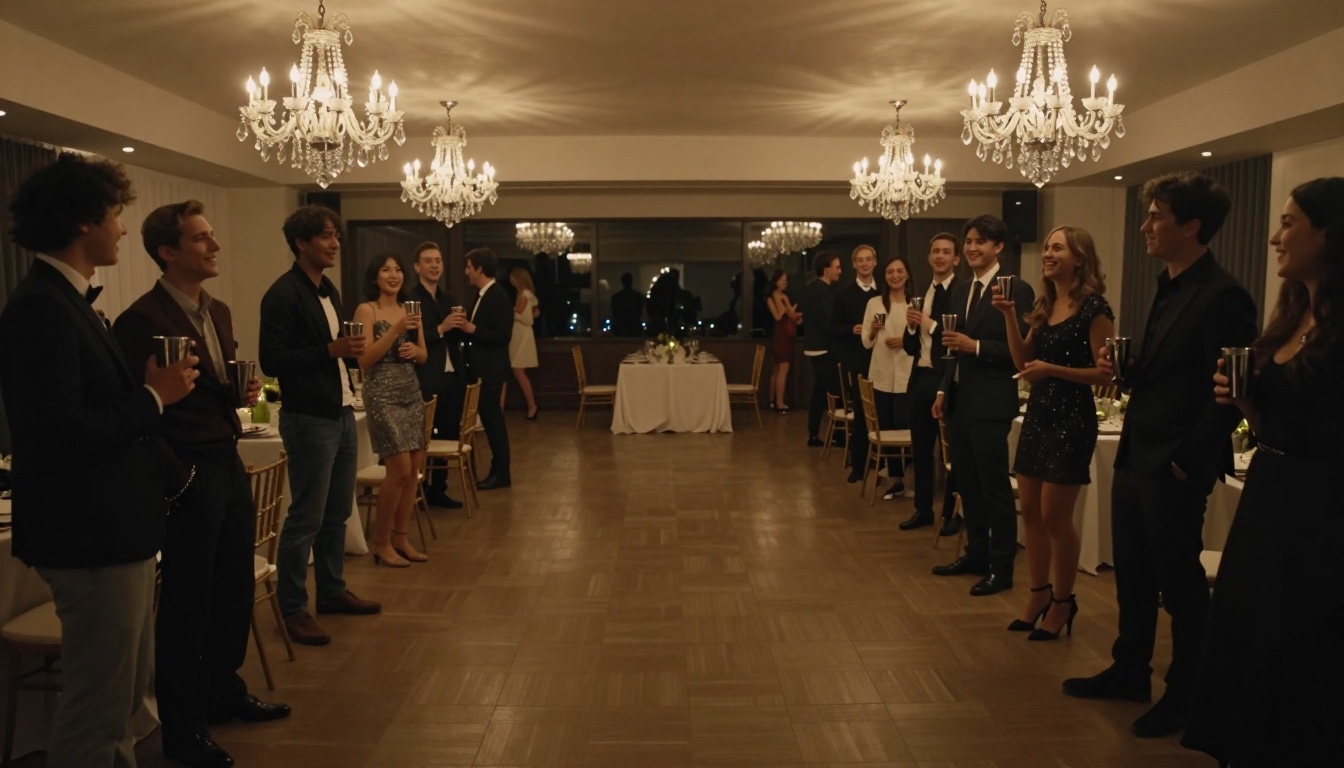
How to Make a Burning Bridges AI Video
Three steps, no editing.
Upload one photo
A sharp, front-facing photo works best. Sunglasses, heavy filters and tiny faces hurt the result.
Generate with Full Recast
Full Recast places your photo — a person, pet or character — into a new AI-generated version of the room and animates it. It is preselected in the studio, so you can go straight to Generate.
Download and add the sound
Get the silent 20-second MP4, then attach the "Burning Bridges" sound in TikTok or Reels when you post.
The Full Recast mode
One photo in — your own animated version of the party out.
Full Recast
Your photo is composited into an AI-generated version of the party as the host, then animated with the scene's motion. Your whole look comes along, and pets or cartoon characters often work too.
- Works with pets, avatars and characters
- Best with a waist-up or full-body photo
Who Can You Put in the Party?
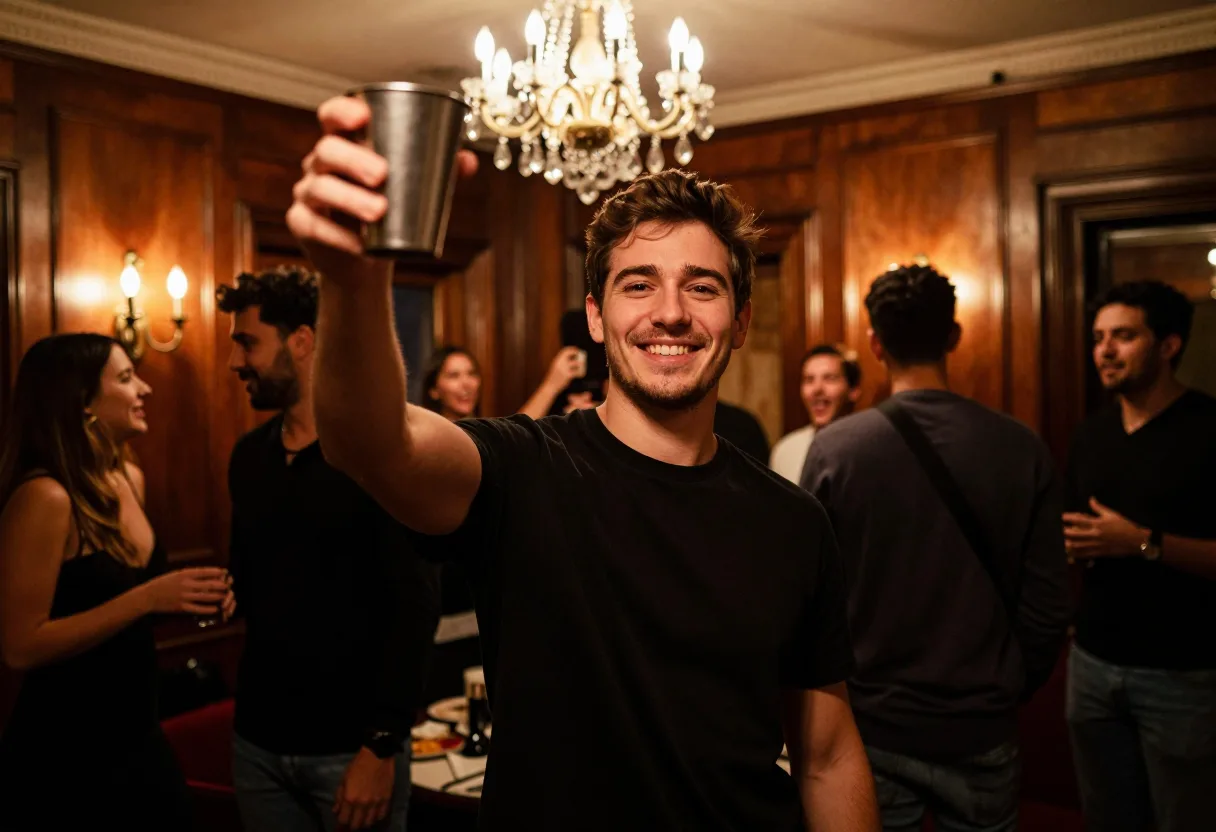
Yourself
You as the host, working the room with a cup in hand. One clear selfie is enough.
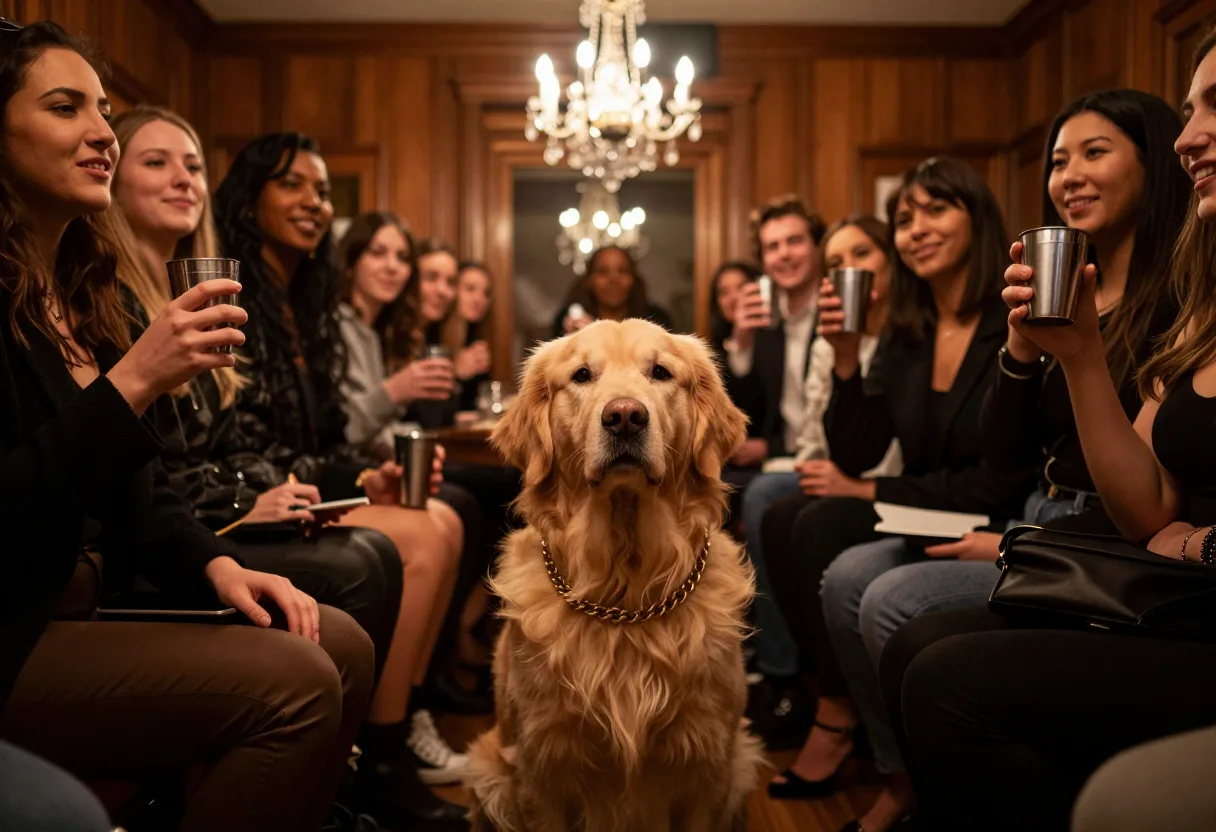
Your pet
Dogs, cats and other pets can host the party in Full Recast. Results vary — a clear, front-facing photo of the pet helps.
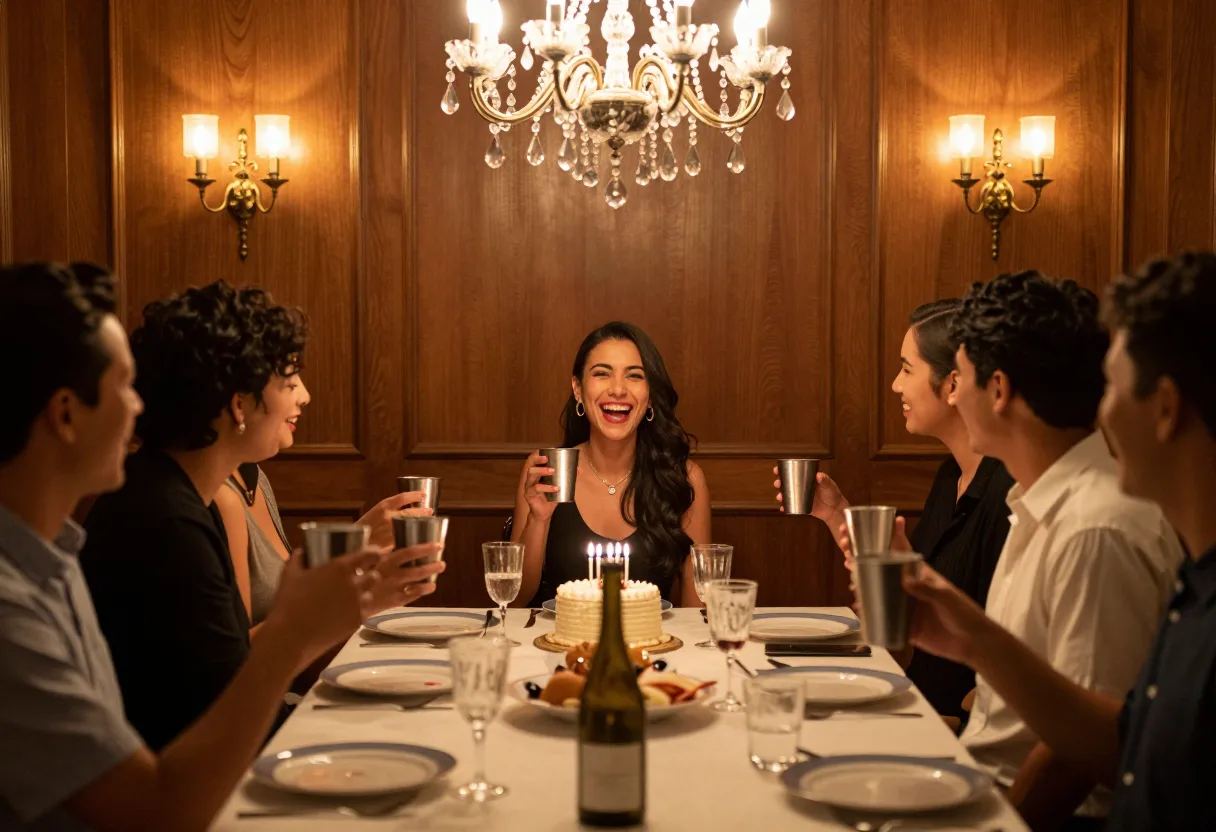
A friend's birthday surprise
Cast a friend as the host and send it to the group chat. Ask them first.

Your own character
An original avatar, mascot or 3D character can take the scene in Full Recast. Original creations only — real public figures are off-limits.
Full Recast: Specifications
| Full Recast | |
|---|---|
| What changes | Your photo becomes the animated host |
| What stays | Your look, outfit and character |
| Best photo | Waist-up or full body; pets and characters OK |
| Length | 20 seconds |
| Output | 16:9 MP4, silent |
| Credits | 500 |
| Pets & characters | Often — results vary |
| Audio | None — add the sound in your post |
Why Use Burning Bridges AI
One photo, one studio
Drop one photo into the studio and press Generate — Full Recast handles the rest, no settings to tune.
Pay per video
A video costs 500 credits — $5 at the standard rate. No subscription required.
Runs in the background
Close the tab or lose signal — the task keeps going and finished videos wait in your history.
10 languages
The site speaks English, 简体中文, Русский, Deutsch, Français, 日本語, 한국어, Español, Português and Türkçe.
Ways to Join the Burning Bridges Trend
| Method | What you need | The scene | Effort | Typical cost |
|---|---|---|---|---|
| Burning Bridges AI | One photo | The party scene, preset | One upload | From $5 per video |
| CapCut-style template | Your own footage or photos | Usually edits your material, not the original scene | Manual steps in the app | Free to a few dollars |
| General AI video studio | A reference clip, a photo and prompts | Rebuilt by you, results vary | Prompting and retries | Subscription or per-clip fees |
| Film it yourself | A similar room, guests and a camera | Your own version | A real shoot | Free |
Pricing for Burning Bridges Videos
Full Recast costs 500 credits ($5) per video — $1 buys 100 credits, and one-time packs start at $5. Pay-per-video sites for this trend typically charge $5–$20 per clip (checked October 2026).
- 2 Full Recast videos
- Credits work for both video modes
- Pay once — no subscription
- Credits never expire
- 1 Full Recast video
- Credits work for both video modes
- Pay once — no subscription
- Credits never expire
- 4 Full Recast videos
- Credits work for both video modes
- Pay once — no subscription
- Credits never expire
No subscription. Credits never expire. Failed videos are refunded automatically.
Burning Bridges AI FAQ
An independent web tool that turns one photo into a 20-second 16:9 MP4 inside the chandelier-lit party scene from the Burning Bridges trend. It is an independent AI video tool, not an official product of the trend's creators or rights holders.
The room is waiting for its host
One photo is all it takes to join the Burning Bridges trend.